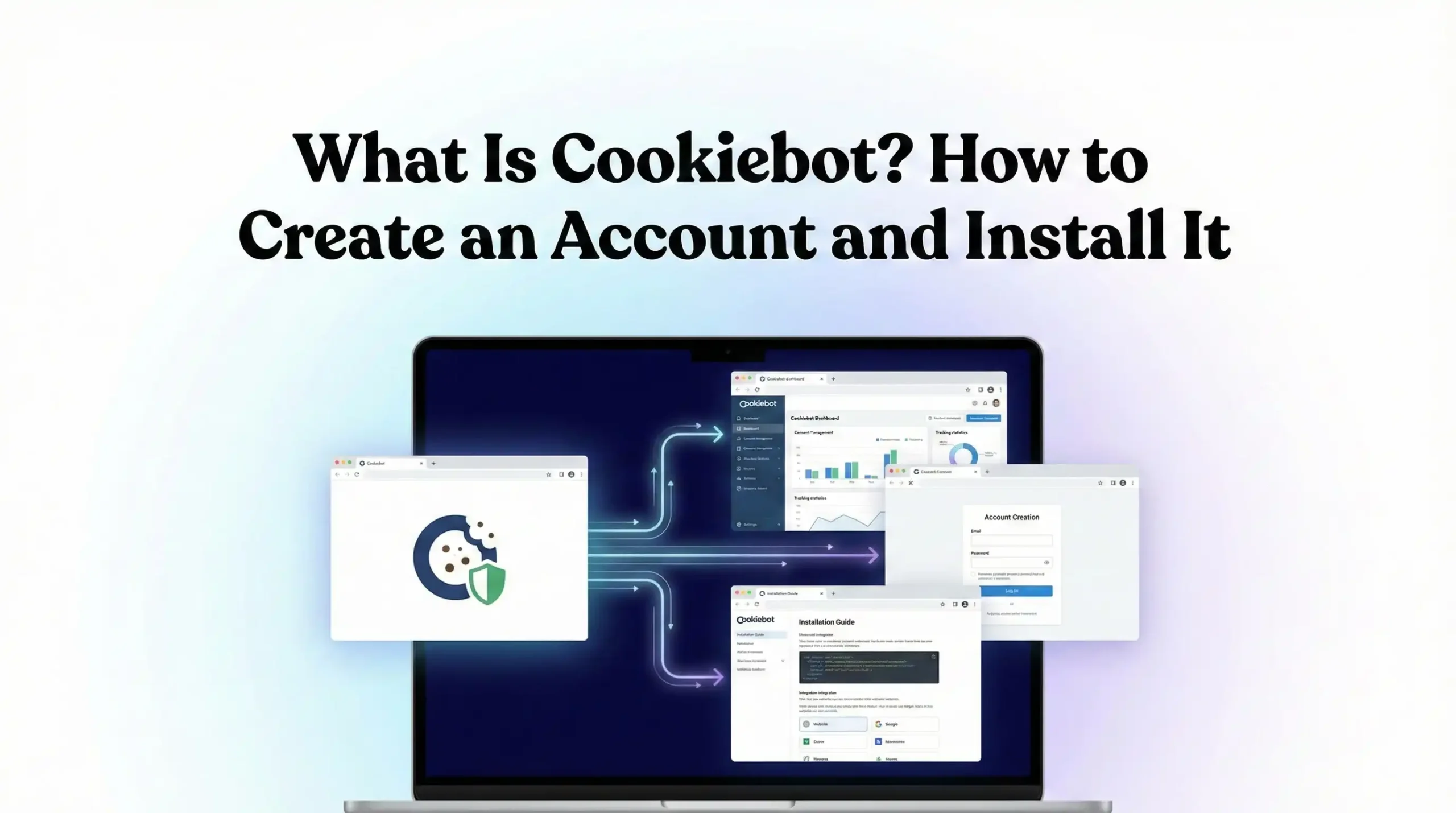

In today’s privacy-focused digital landscape, managing website cookies and user consent is no longer optional—it’s a legal requirement. Cookiebot is one of the most widely used Consent Management Platforms (CMP) that helps website owners comply with global data protection laws such as GDPR, ePrivacy Directive, CCPA/CPRA, and other cookie regulations.
This guide explains what Cookiebot is, how it works, how to create an account, and how to install it on your website step by step.
What Is Cookiebot?
Cookiebot is a cloud-based consent management solution that automatically scans your website for cookies and tracking technologies, categorizes them, and enables you to collect, manage, and document user consent.
Cookiebot ensures that cookies are only activated after users give valid consent, helping businesses stay compliant with privacy laws while maintaining transparency.
Key Features of Cookiebot
- Automatic cookie scanning – Detects all cookies and trackers on your website
- Consent banner & preference center – Customizable and user-friendly
- Prior consent control – Blocks cookies until consent is given
- Consent logging – Stores proof of consent for compliance audits
- Multi-language support – Ideal for global websites
- Integration-ready – Works with Google Tag Manager, GA4, Meta Pixel, Google Ads, and more
Why Cookiebot Is Important
Privacy regulations require websites to:
- Inform users about cookies and tracking
- Obtain explicit consent before setting non-essential cookies
- Allow users to withdraw or change consent at any time
- Maintain records of consent
Cookiebot automates all of these requirements, reducing legal risk and saving time.
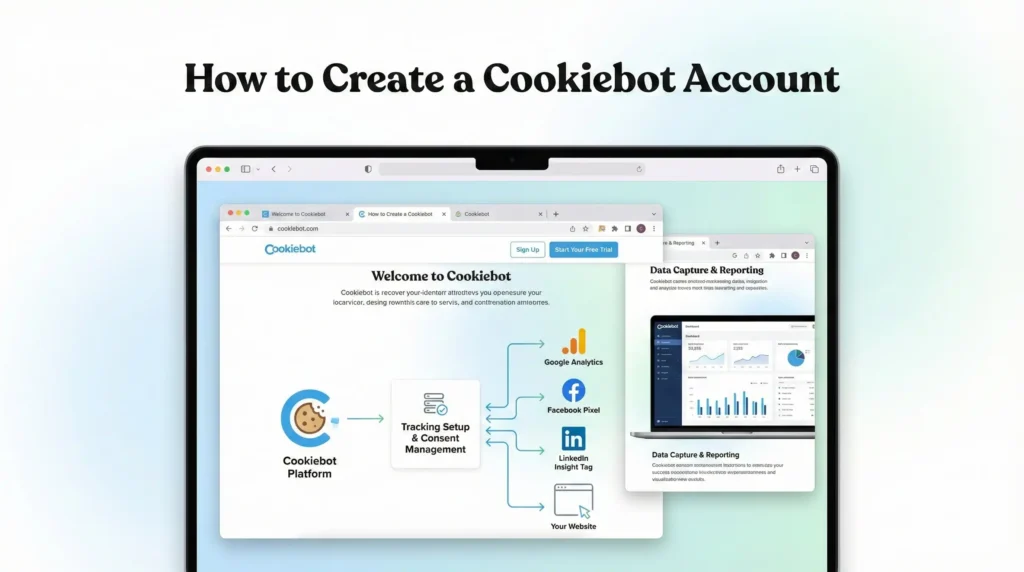
How to Create a Cookiebot Account
Follow these simple steps to create your Cookiebot account:
Step 1: Visit the Cookiebot Website
Go to https://www.cookiebot.com and click Get started or Sign up.
Step 2: Sign Up
You can register using:
- Email and password, or
- Google account
After signing up, verify your email address.
Step 3: Add Your Website Domain
Once logged in:
- Click Add domain
- Enter your website URL (e.g., mdniaul.com)
- Choose your region and compliance requirements
Cookiebot will now scan your website automatically.
Understanding Cookiebot Cookie Categories
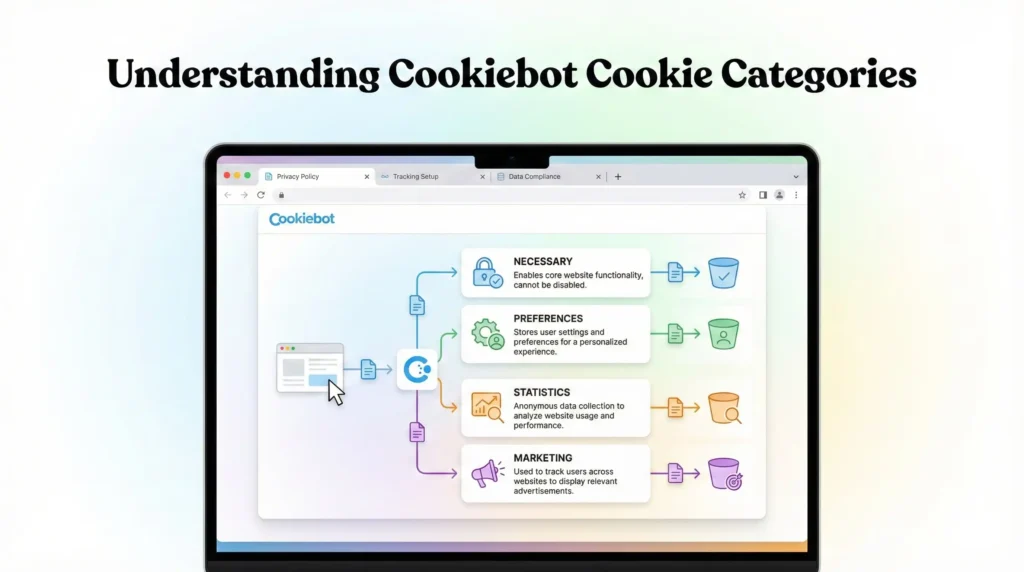
Cookiebot automatically groups cookies into four categories:
- Necessary – Required for core website functionality (no consent needed)
- Preferences – Save user preferences (language, layout)
- Statistics – Analytics cookies like Google Analytics
- Marketing – Advertising cookies like Meta Pixel, Google Ads
Users can accept or reject cookies by category.
How to Install Cookiebot on Your Website
There are multiple ways to install Cookiebot depending on your setup.
Method 1: Direct Installation (Recommended)
- In the Cookiebot dashboard, copy your Cookiebot ID
- Copy the Cookiebot script provided
- Paste it into the <head> section of your website before other scripts
Example:
<script id="Cookiebot" src="https://consent.cookiebot.com/uc.js" data-cbid="YOUR-ID" data-blockingmode="auto" type="text/javascript"></script>This ensures cookies are blocked until consent is given.
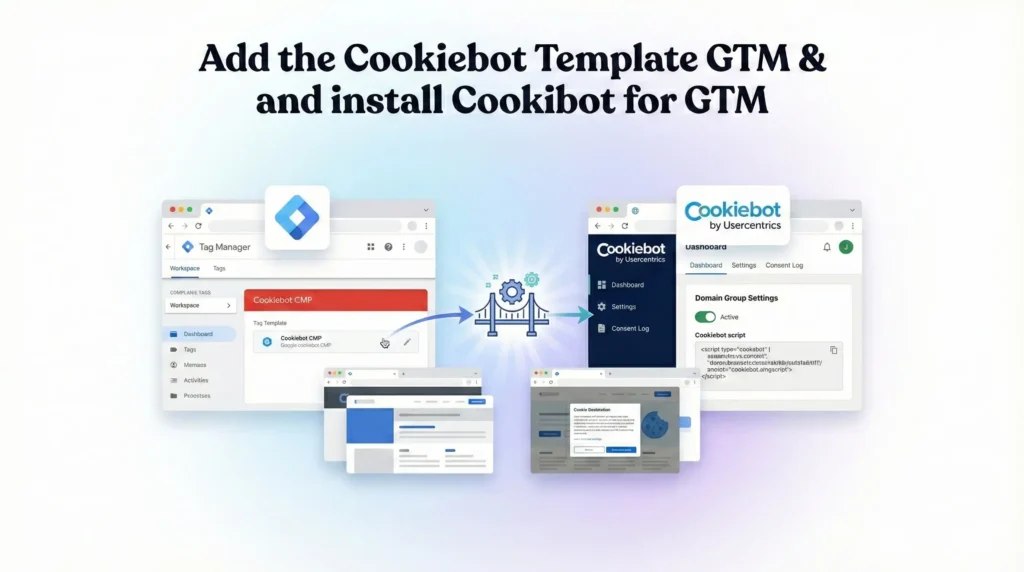
Method 2: Install Cookiebot Using Google Tag Manager (GTM)
- Open Google Tag Manager
- Create a New Tag → Custom HTML/ Cookiebot GTM template
- Paste the Cookiebot script or ID
- Set the trigger to Consent Initialization – All Pages
- Save and publish
This method is ideal if you manage multiple tracking tools through GTM.
Integrating Cookiebot With Tracking Tools
Cookiebot integrates seamlessly with:
- Google Analytics 4 (GA4)
- Google Ads Conversion Tracking
- Meta Pixel & Conversion API
- TikTok Pixel
- Server-side tracking setups
By combining Cookiebot with Google Consent Mode v2, you can continue to receive modeled data while respecting user consent.
Testing Your Cookiebot Installation
After installation:
- Visit your website in an incognito window
- Check if the consent banner appears
- Accept and reject different cookie categories
- Verify cookie behavior using browser developer tools
Cookiebot also provides a scan report to confirm compliance.
Cookiebot Pricing Overview
Cookiebot offers:
- Free plan – For small websites with limited page views
- Paid plans – Based on monthly sessions and advanced features
Pricing scales as your website grows.
Final Thoughts
Cookiebot is a powerful and reliable consent management solution for businesses of all sizes. It simplifies cookie compliance, protects user privacy, and works seamlessly with modern analytics and advertising tools.
If you run ads, track conversions, or operate in privacy-regulated regions, implementing Cookiebot is essential—not optional.
1. What is Cookiebot?
Cookiebot is a consent management platform (CMP) designed to help websites comply with privacy regulations like GDPR, ePrivacy, and CCPA. It automatically scans your website to detect cookies and tracking technologies, categorizes them, and displays a consent banner to users. Cookiebot ensures that non-essential cookies—such as analytics, marketing, and advertising cookies—are only activated after user consent. It also logs and stores consent data, providing legal proof in case of audits while maintaining transparency and user trust.
2. Is Cookiebot GDPR compliant?
Yes, Cookiebot is fully GDPR compliant when configured correctly. It meets GDPR requirements by providing prior consent, granular cookie control, clear information for users, and consent documentation. Cookiebot blocks all non-essential cookies until users explicitly agree and allows them to change or withdraw consent at any time. Additionally, it records consent logs securely, which can be used as proof of compliance during legal or regulatory reviews, making it a reliable solution for GDPR-focused websites.
3. How does Cookiebot work?
Cookiebot works by automatically scanning your website to identify all cookies and tracking scripts in use. It categorizes them into necessary, preferences, statistics, and marketing cookies. When a user visits your site, Cookiebot displays a consent banner and blocks non-essential cookies until consent is granted. Based on the user’s choices, Cookiebot then allows or restricts tracking tools like GA4, Google Ads, or Meta Pixel, ensuring compliant data collection.
4. Is Cookiebot free?
Cookiebot offers a free plan suitable for small websites with limited monthly sessions. This plan includes essential features such as cookie scanning, a consent banner, and basic compliance tools. For websites with higher traffic, multiple domains, or advanced customization needs, Cookiebot provides paid plans based on session volume. Paid plans unlock additional features like enhanced reporting, multi-domain management, and advanced consent controls, making them ideal for growing businesses.
5. How to install Cookiebot?
You can install Cookiebot by adding its script to the section of your website or through Google Tag Manager. After creating an account and adding your domain, Cookiebot provides a unique script containing your Cookiebot ID. Placing this script before other tracking scripts ensures cookies are blocked until consent is given. GTM installation is recommended for websites managing multiple tracking tools in one centralized system.
6. Does Cookiebot support GA4?
Yes, Cookiebot fully supports Google Analytics 4 (GA4). It works seamlessly with GA4 by controlling when analytics cookies are fired based on user consent. When combined with Google Consent Mode v2, Cookiebot helps maintain compliant tracking while enabling modeled conversions and aggregated data. This ensures advertisers and analysts still receive valuable insights without violating privacy regulations or collecting data without proper user permission.
7. Can Cookiebot block cookies?
Cookiebot blocks all non-essential cookies by default until users provide consent. This includes analytics, marketing, and advertising cookies from platforms like Google Ads, Meta, and TikTok. Necessary cookies required for website functionality remain active. Cookiebot’s automatic blocking mode ensures compliance without manual configuration, reducing the risk of accidental data collection before consent and helping websites meet strict privacy standards.
8. Is Cookiebot Consent Mode compatible?
Yes, Cookiebot is fully compatible with Google Consent Mode v2. It sends real-time consent signals to Google tags based on user choices, allowing Google Ads and GA4 to adjust data collection behavior accordingly. This compatibility helps websites comply with consent requirements while still benefiting from conversion modeling and aggregated reporting, making it essential for advertisers operating in regulated regions.
9. Does Cookiebot store consent?
Cookiebot securely stores and documents user consent in compliance with GDPR requirements. Each consent record includes details such as timestamp, user preferences, and anonymized user information. These records act as legal proof of consent and can be accessed from the Cookiebot dashboard at any time. This feature is especially important for audits, legal inquiries, and maintaining transparency with regulators.
10. Who needs Cookiebot?
Any website that uses cookies or tracking technologies beyond strictly necessary cookies needs Cookiebot. This includes websites running analytics, advertising, remarketing, or personalization tools. Businesses operating in or targeting users from the EU, UK, or other regulated regions are legally required to obtain valid cookie consent. Cookiebot is suitable for small blogs, eCommerce stores, agencies, and enterprise-level websites alike.
 Need Help Advanced Tracking Setup?