
Table of Contents
ToggleIntroduction
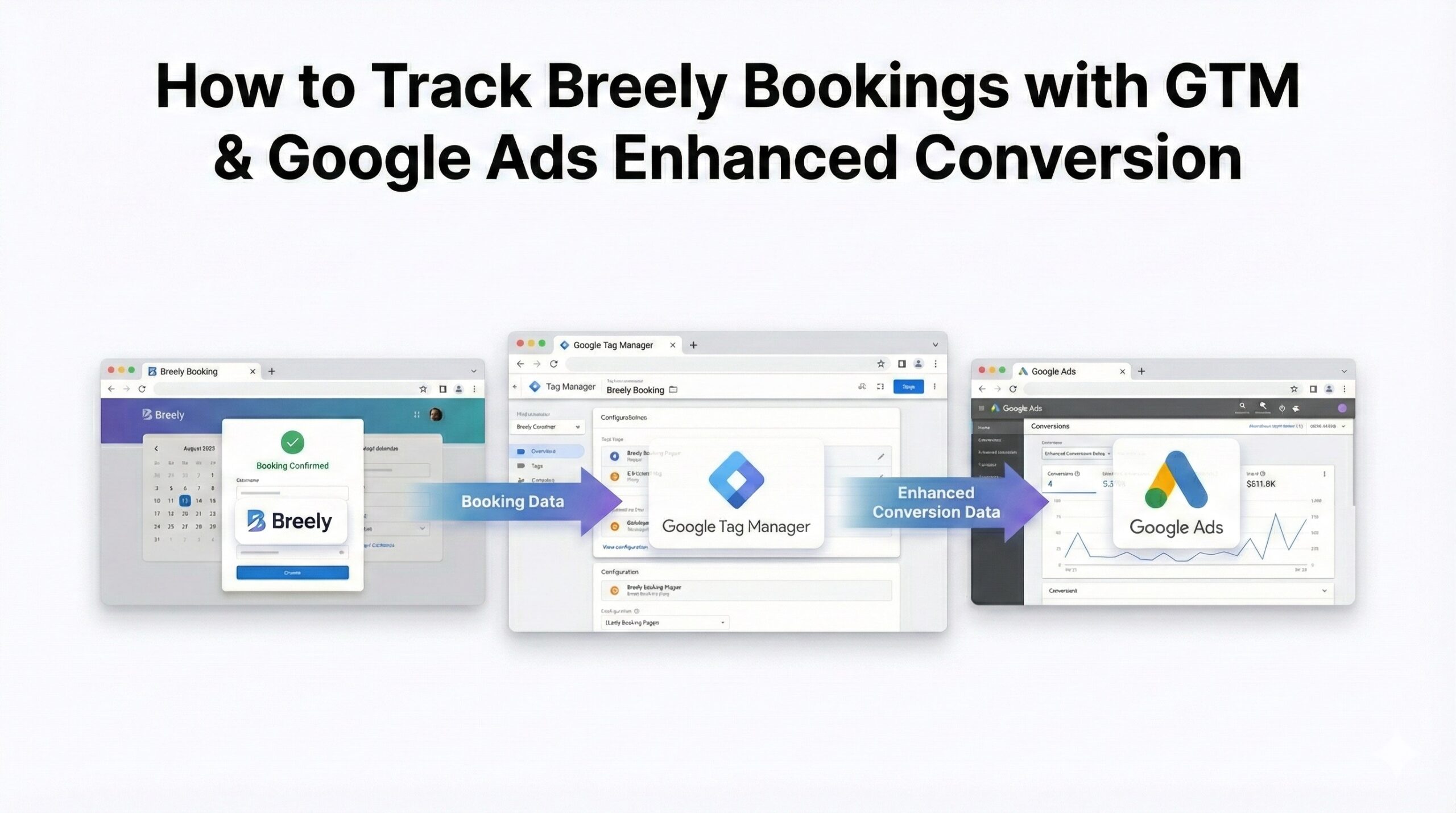
Guide to Setting Up Breely Conversion Tracking with Google Tag ManagerThis guide provides marketers using Google Ads with the essential steps for tracking bookings made via Breely.com. We will detail the setup of Breely conversion tracking using Google Tag Manager (GTM), including the implementation of Google Ads Enhanced Conversions to achieve greater data accuracy.
The method involves utilizing a JavaScript event listener to send booking data into the data layer, which GTM will then use to transmit the conversion information to Google Ads.
Prerequisites
Before proceeding, ensure you have the following in place:
- A website that uses Breely.com for its scheduling functionality.
- Google Tag Manager properly installed on your website.
- A Google Ads account with a pre-configured conversion action.
- A fundamental understanding of GTM, tags, and triggers.
Need Professional Help?
- Hire Me for Setup: WhatsApp Me
- Book a Consultation: Schedule a Call
Step 1: Implement JavaScript Listener for Breely Bookings
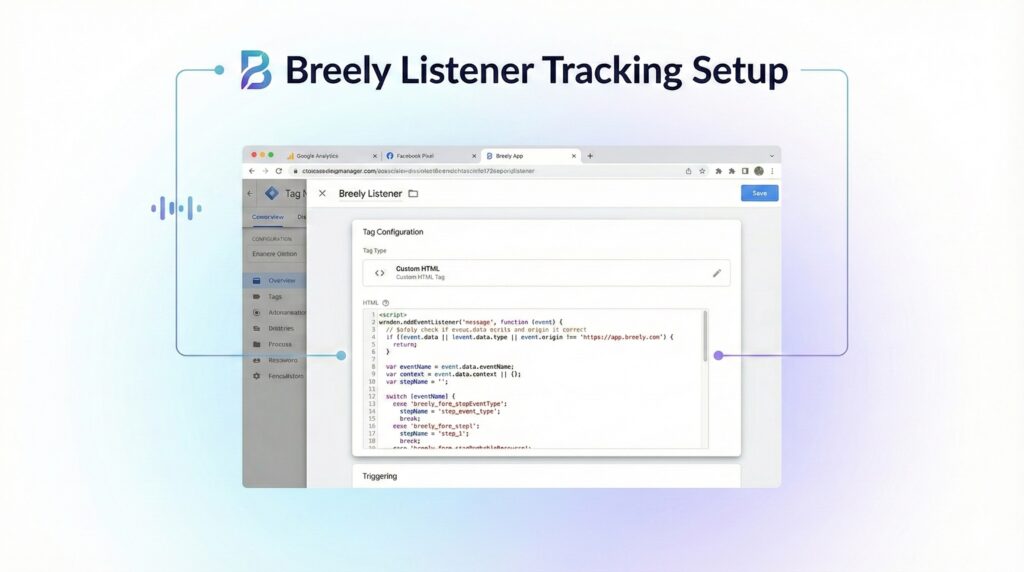
To enable tracking of Breely bookings, an event must be pushed to the data layer upon booking confirmation.
- Access Google Tag Manager.
- Create a new Custom HTML TagCustom HTML TagCustom HTML Tag.
- Insert the provided script into the tag.
- Set the trigger to “All Pages.”
- Save and publish the tag.
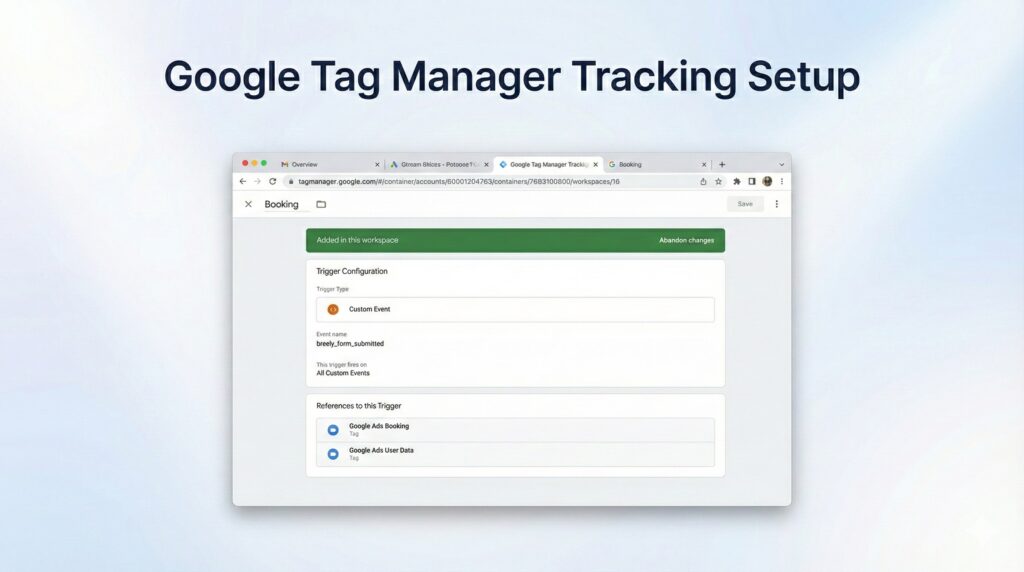
Step 2: Define a Custom Event Trigger
- Navigate to Triggers and select New.
- Assign the name breely_form_submitted.
- Set the Trigger Type to Custom Event.
- Specify the Event Name as Booking.
- Save the configuration.
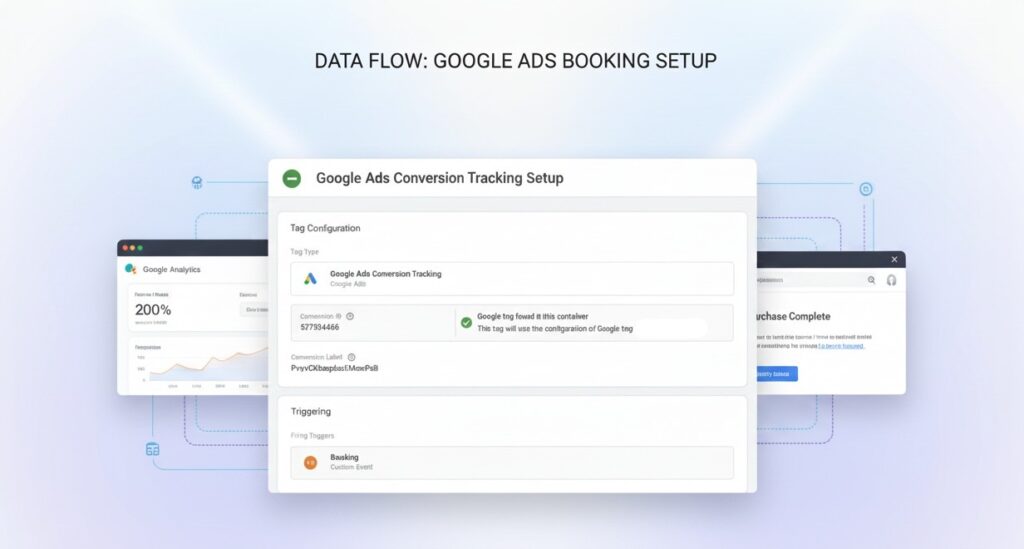
Step 3: Implement the Google Ads Conversion Tracking Tag
- Navigate to Tags and click New.
- Select Google Ads Conversion Tracking as the Tag Type.
- Input your Conversion ID and Conversion Label.
- Set the Trigger to Breely Booking Event.
- Save the tag and then publish the changes.
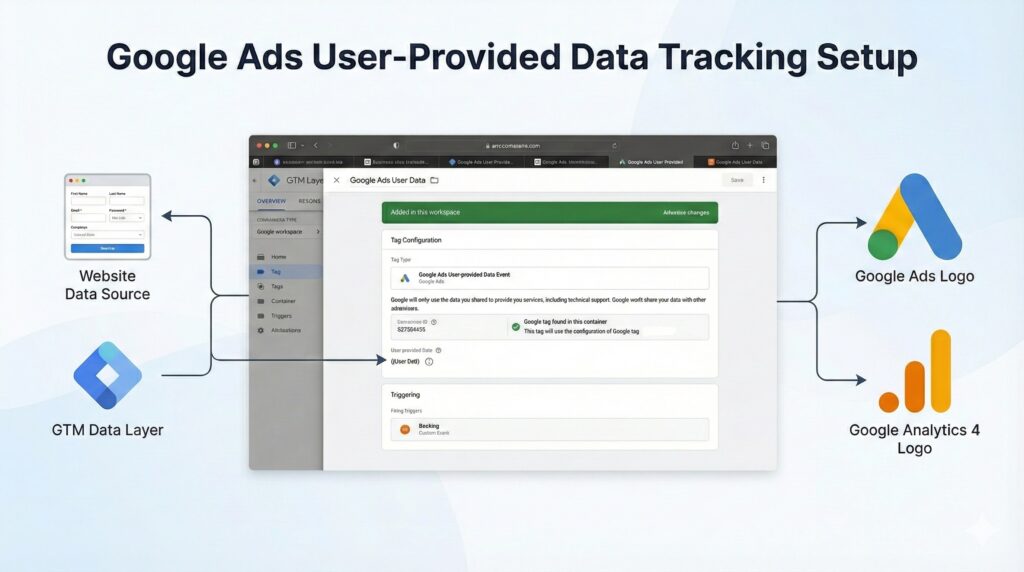
Step 4: Implement Google Ads User-Provided Data Tag (for Enhanced Conversions)
A recent Google Ads update mandates the use of a distinct User-Provided Data tag for Enhanced Conversions.
Implementation Steps:
- Navigate to Tags > New.
- Select Google Ads User-Provided Data Event as the Tag Type.
- Configure the tag to capture user data, such as email, by referencing available variables in the data layer or local storage.
- Set the Trigger to Breely Booking Event.
- Save and publish the changes.
Step 5: Testing the Setup
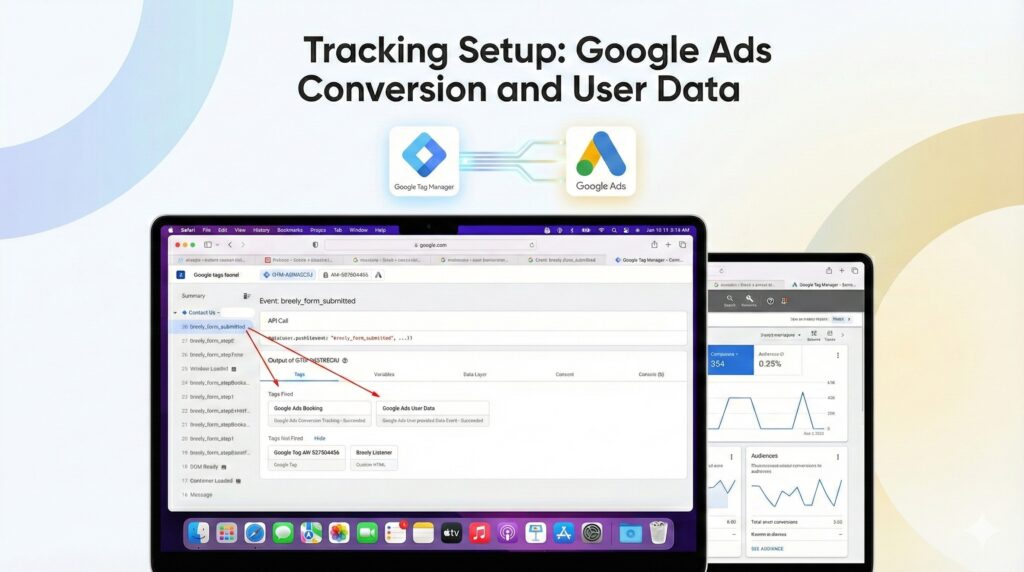
- GTM Preview: Utilize Tag Assistant Preview in Google Tag Manager.
- Test Booking: Schedule a test appointment on Breely.
- Event Confirmation: Verify that the breely_booking event successfully triggers.
- Tag Verification: Confirm the correct firing of both the conversion tag and the user-provided data tag.
The provided text outlines the final steps for publishing a Google Tag Manager (GTM) container and verifying conversions in Google Ads. Here is the rephrased, reworded, and reorganized text, maintaining the instructional and conclusive tone:
Step 6: Publishing the Google Tag Manager Container
After verifying your setup:
- Click Submit within GTM.
- Provide a clear name for the version, such as GA4 Purchase Setup for Squarespace.
- Select Publish.
Step 7: Verifying Conversions in Google Ads
Access your Google Ads account:
- Go to Tools & Settings then Conversions.
- Check the relevant conversion action to confirm it is receiving data.
Conclusion
Congratulations! You have successfully implemented Breely Bookings with GTM and Google Ads.
Need assistance with Breely analytics or conversion tracking?
Q1: Is GCLID still necessary?
Yes. The GCLID is the most reliable identifier for Google Ads conversions. Without it, Enhanced Conversions or offline tracking can’t attribute bookings to ad clicks. Storing it in the browser or CRM ensures accurate reporting even if the booking happens later.
Q2: Can phone bookings track too?
Absolutely. If GCLID is captured during the booking process, any offline or phone bookings can be matched back to Google Ads. Integrating CRM with GTM allows you to upload these offline conversions efficiently.
Q3: Is Enhanced Conversion mandatory?
Not mandatory, but highly recommended. Enhanced Conversions improves conversion accuracy by sending hashed customer data from your website directly to Google, ensuring better attribution and optimization.
Q4: Should I store GCLID locally?
Yes. Storing GCLID in localStorage ensures the identifier persists between pages and sessions, which is critical for bookings that occur hours or days after the user first clicks your ad.
Q5: How often upload conversions?
Conversions should ideally be uploaded daily. This ensures Google Ads receives timely data, improving Smart Bidding optimization and preventing attribution gaps. Automating with Google Sheets or API helps maintain consistency.
Q6: Does Breely support GTM tracking?
Yes. Breely’s booking confirmation page triggers can be tracked using GTM custom events. With the proper listener code, any booking can fire events to Enhanced Conversions or analytics platforms.
Q7: Can multiple bookings track simultaneously?
Yes. Use unique event names or booking IDs in the data layer to differentiate multiple bookings. This allows accurate reporting even if users complete several bookings in the same session.
Q8: Does AJAX affect tracking?
Yes. If Breely uses AJAX for bookings, the event listener must target AJAX success events. Standard page load triggers won’t capture dynamic booking submissions correctly.
Q9: Can I combine GA4 and Ads tracking?
Yes. The same GTM event can fire both Google Ads and GA4 tags. This allows you to unify reporting and compare booking data across platforms accurately.
Q10: Is server-side GTM supported?
Yes. Server-side GTM can capture and send booking events directly to Google Ads or CRM, improving data security and reliability while bypassing browser restrictions.
 Need Help Advanced Tracking Setup?